开篇

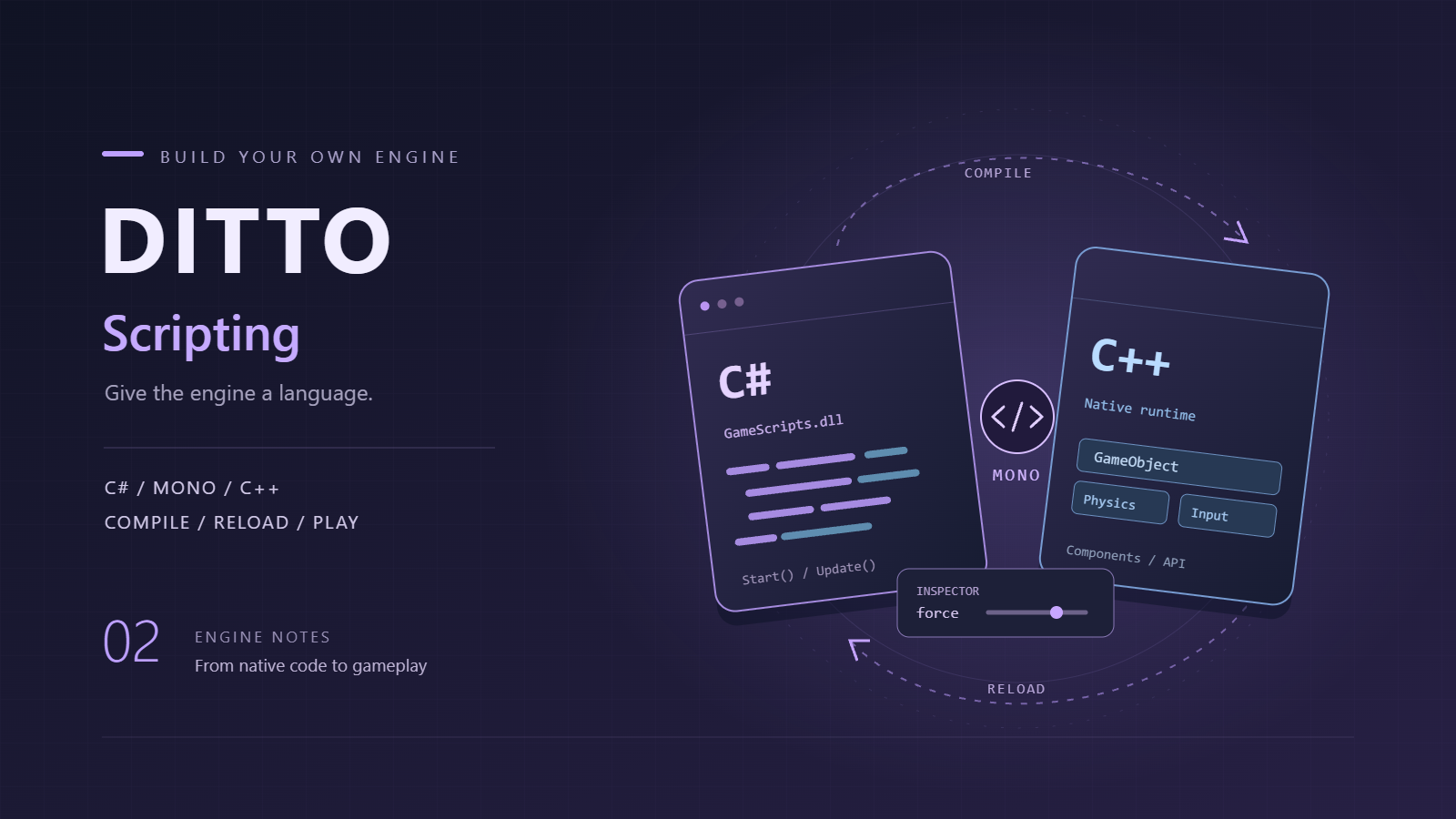
前两篇把Editor界面和基础渲染搞定了,但引擎还是个空壳——只能用C++写死逻辑。要做成真正可用的游戏引擎,必须支持脚本编程,让开发者能快速迭代游戏逻辑。Unity用的C#脚本,UE用的蓝图+C++,Godot用的GDScript。我这里选择C#,原因很简单:语法简单、性能够用、Mono运行时开源。

这一篇主要讲两件事:C#脚本系统和Shader编程支持。前者让游戏逻辑可编程,后者让渲染效果可编程。两者结合起来,引擎的可扩展性就上来了。

C#脚本系统

img

前言

C#脚本系统的核心是Mono运行时。Mono是.NET的开源实现,可以在Windows/Linux/Mac上跑C#代码。我们的引擎用Mono Embedded API把Mono嵌入到C++程序里,然后就能加载、执行C#脚本了。

Mono动态加载

由于不想把Mono静态链接到引擎里(避免发行时拖一堆lib、版本冲突也不好处理),我们采用动态加载的方式:先 LoadLibraryA 加载 mono-2.0-sgen.dll(sgen版本,用SGen GC),再通过 GetProcAddress 逐个解析需要的函数指针。Mono的API很多(30+个),全部用typedef转成函数指针:

1
2
3
4
5
6
7
8
9
10
11
12
13
14
15
16
17
18
19
typedef MonoDomain* (*mono_jit_init_t)(const char*);
typedef void (*mono_jit_cleanup_t)(MonoDomain*);
typedef MonoAssembly* (*mono_domain_assembly_open_t)(MonoDomain*, const char*);
typedef MonoImage* (*mono_assembly_get_image_t)(MonoAssembly*);
typedef MonoClass* (*mono_class_from_name_t)(MonoImage*, const char*, const char*);
typedef MonoObject* (*mono_object_new_t)(MonoDomain*, MonoClass*);
typedef MonoMethod* (*mono_class_get_method_from_name_t)(MonoClass*, const char*, int);
typedef MonoObject* (*mono_runtime_invoke_t)(MonoMethod*, void*, void**, MonoObject**);
typedef void (*mono_add_internal_call_t)(const char*, void*);
typedef MonoClassField* (*mono_class_get_field_from_name_t)(MonoClass*, const char*);
typedef void (*mono_field_set_value_t)(MonoObject*, MonoClassField*, void*);
typedef void (*mono_set_assemblies_path_t)(const char*);
// ... 还有十几个类似typedef

static HMODULE g_monoDll = nullptr;
static mono_jit_init_t p_mono_jit_init = nullptr;
static mono_jit_cleanup_t p_mono_jit_cleanup = nullptr;
static mono_domain_assembly_open_t p_mono_domain_assembly_open = nullptr;
// ... 对应的函数指针

加载与解析

加载DLL并解析函数:

1
2
3
4
5
6
7
8
9
10
11
12
13
14
15
16
17
18
19
20
21
22
23
24
25
26
27
28
29
30
31
32
33
34
35
36
37
38
39
40
41
42
43
44
45
46
47
48
49
50
51
52
53
54
55
56
57
bool MonoRuntime::Initialize(const std::string& monoLibPath)
{
// 1. 多路径尝试加载 mono DLL
std::vector<std::string> tryPaths;
if (!monoLibPath.empty())
tryPaths.push_back(monoLibPath + "/mono-2.0-sgen.dll");

// 环境变量 MONO_PATH
char* monoPathEnv = nullptr;
if (_dupenv_s(&monoPathEnv, &monoPathLen, "MONO_PATH") == 0 && monoPathEnv) {
tryPaths.push_back(std::string(monoPathEnv) + "/bin/mono-2.0-sgen.dll");
}

// 注册表 SOFTWARE\Mono / Ximian / Novell 里的 InstallRoot
for (auto& regKey : { "SOFTWARE\\Mono", "SOFTWARE\\Ximian", "SOFTWARE\\Novell" }) {
// 从 RegOpenKeyExA + RegQueryValueExA 读 InstallRoot
// 追加 /bin/mono-2.0-sgen.dll
}

// 相对路径兜底
tryPaths.push_back("3rdParty/Mono/mono-2.0-sgen.dll");
tryPaths.push_back("../../3rdParty/Mono/mono-2.0-sgen.dll");

for (const auto& path : tryPaths) {
g_monoDll = LoadLibraryA(path.c_str());
if (g_monoDll) break;
}
if (!g_monoDll) return false;

// 2. 用 GetProcAddress 解析所有函数指针
p_mono_jit_init = (mono_jit_init_t)GetProcAddress(g_monoDll, "mono_jit_init");
p_mono_jit_cleanup = (mono_jit_cleanup_t)GetProcAddress(g_monoDll, "mono_jit_cleanup");
p_mono_domain_assembly_open =
(mono_domain_assembly_open_t)GetProcAddress(g_monoDll, "mono_domain_assembly_open");
// ... 30+ 个 GetProcAddress

if (!p_mono_jit_init || !p_mono_jit_cleanup || !p_mono_domain_assembly_open) {
FreeLibrary(g_monoDll);
g_monoDll = nullptr;
return false;
}

// 3. 设置 assembly 搜索路径
p_mono_set_assemblies_path("3rdParty/Mono");

// 4. 创建 JIT domain
p_mono_config_parse(nullptr);
g_domain = p_mono_jit_init("DittoEngine");
if (!g_domain) {
FreeLibrary(g_monoDll);
g_monoDll = nullptr;
return false;
}

DITTO_LOG_INFO("[Mono] Runtime initialized");
return true;
}

这样做的好处:发布时不用带 mono-2.0-sgen.lib,DLL版本冲突也好处理;坏处是启动时多一次DLL查找和函数解析,但这个开销可以忽略。

mono_jit_init("DittoEngine")"DittoEngine" 是domain名字,随便起。之后就可以用 p_mono_domain_assembly_open 加载 DittoEngine.dll(引擎API程序集)——它里面定义了 GameObjectTransformRigidbody 等引擎API的C#包装类。游戏脚本继承 MonoBehaviour 基类,重写 StartUpdate 等方法来实现游戏逻辑。

脚本编译

C#脚本编译涉及两个DLL,需要分清:

  • DittoEngine.dll:引擎C# API(TransformRigidbodyMonoBehaviour等),相当于Unity的UnityEngine.dll。这个DLL是预编译的,用 3rdParty/Mono/Build DLL.cmd 一次性从 DittoEngine.cs 编译出来:

    1
    "%CSC%" /target:library /nostdlib+ /reference:mscorlib.dll /out:DittoEngine.dll DittoEngine.cs
  • GameScripts.dll:用户的游戏脚本编译产物,每次脚本修改后重新生成。

用户写的.cs文件需要编译成 GameScripts.dll 才能被Mono加载。编译用的是微软的Roslyn编译器(csc.exe):

1
2
3
4
5
6
7
8
9
10
11
12
13
14
15
16
17
18
19
20
21
22
23
24
25
bool CSharpScriptSystem::CompileScript(const std::string& csPath, std::string& outDllPath)
{
// 找到csc.exe路径
std::string roslynPath = FindMSBuildPath();
std::string cscPath = roslynPath + "\\csc.exe";

// 找到依赖的程序集
std::string dittoEngineDll = FindDittoEngineDll();
std::string monoMscorlib = FindMonoMscorlib();
std::string netstandardDll = FindNetStandardDll();

// 拼接编译命令
std::string cmd = "cmd /c \"\"" + cscPath + "\""
+ " /target:library"
+ " /nostdlib+"
+ " /reference:\"" + monoMscorlib + "\""
+ " /reference:\"" + netstandardDll + "\""
+ " /reference:\"" + dittoEngineDll + "\""
+ " /out:\"" + outDllPath + "\""
+ " \"" + csPath + "\""
+ " 2>&1\"";

int result = system(cmd.c_str());
return result == 0 && fs::exists(outDllPath);
}

编译时要引用三个程序集:

  • mscorlib.dll: Mono的核心库
  • netstandard.dll: .NET Standard API
  • DittoEngine.dll: 引擎API

编译完的DLL会保存到项目的Temp目录下,每次编译生成唯一的文件名(带时间戳),这样可以支持热重载。

脚本加载

加载脚本分两步:加载程序集、创建脚本实例:

1
2
3
4
5
6
7
8
9
10
11
12
13
14
15
16
17
18
19
20
21
22
23
24
25
26
27
28
29
30
31
32
std::shared_ptr<ScriptInstance> MonoRuntime::LoadScript(const std::string& dllPath, const std::string& className)
{
// 1. 加载程序集
MonoAssembly* assembly = mono_domain_assembly_open(m_rootDomain, dllPath.c_str());
if (!assembly)
{
DITTO_LOG_ERROR_STREAM("[Mono] Failed to load assembly: " << dllPath);
return nullptr;
}

MonoImage* image = mono_assembly_get_image(assembly);

// 2. 查找类
MonoClass* klass = mono_class_from_name(image, "", className.c_str());
if (!klass)
{
DITTO_LOG_ERROR_STREAM("[Mono] Class not found: " << className);
return nullptr;
}

// 3. 创建实例
MonoObject* instance = mono_object_new(m_rootDomain, klass);
mono_runtime_object_init(instance);

auto scriptInstance = std::make_shared<ScriptInstance>();
scriptInstance->instance = instance;
scriptInstance->klass = klass;
scriptInstance->assembly = assembly;
scriptInstance->image = image;

return scriptInstance;
}

调用脚本方法

调用脚本的Start、Update等方法:

1
2
3
4
5
6
7
8
9
10
11
12
13
14
15
16
17
18
19
20
21
22
23
24
25
26
27
void MonoRuntime::CallStart(std::shared_ptr<ScriptInstance> scriptInstance)
{
if (!scriptInstance || !scriptInstance->instance) return;

MonoMethod* method = mono_class_get_method_from_name(scriptInstance->klass, "Start", 0);
if (method)
{
MonoObject* exception = nullptr;
mono_runtime_invoke(method, scriptInstance->instance, nullptr, &exception);
if (exception)
DITTO_LOG_ERROR("[Mono] Exception in Start()");
}
}

void MonoRuntime::CallUpdate(std::shared_ptr<ScriptInstance> scriptInstance)
{
if (!scriptInstance || !scriptInstance->instance) return;

MonoMethod* method = mono_class_get_method_from_name(scriptInstance->klass, "Update", 0);
if (method)
{
MonoObject* exception = nullptr;
mono_runtime_invoke(method, scriptInstance->instance, nullptr, &exception);
if (exception)
DITTO_LOG_ERROR("[Mono] Exception in Update()");
}
}

Internal Calls

脚本要能访问引擎功能,比如获取Transform、修改Rigidbody等。这通过Internal Calls实现——在C++侧注册一些函数,C#侧就能调用:

1
2
3
4
5
6
7
8
9
10
void CSharpScriptSystem::RegisterInternalCalls()
{
MonoRuntime::AddInternalCall("DittoEngine.Transform::GetPosition", (void*)Internal_Transform_GetPosition);
MonoRuntime::AddInternalCall("DittoEngine.Transform::SetPosition", (void*)Internal_Transform_SetPosition);
MonoRuntime::AddInternalCall("DittoEngine.Rigidbody::GetVelocity", (void*)Internal_Rigidbody_GetVelocity);
MonoRuntime::AddInternalCall("DittoEngine.Rigidbody::SetVelocity", (void*)Internal_Rigidbody_SetVelocity);
MonoRuntime::AddInternalCall("DittoEngine.Input::GetKeyNative", (void*)Internal_Input_GetKey);
MonoRuntime::AddInternalCall("DittoEngine.Debug::Log", (void*)Internal_Debug_Log);
// ... 更多Internal Calls
}

C++侧的实现:

1
2
3
4
5
6
7
8
9
10
11
12
13
14
15
16
17
18
19
20
21
22
23
24
25
26
27
extern "C" {

void Internal_Transform_GetPosition(void* transform, float* outPos)
{
if (!transform || !outPos) return;
TransformComponent* trans = static_cast<TransformComponent*>(transform);
outPos[0] = trans->position.x;
outPos[1] = trans->position.y;
outPos[2] = trans->position.z;
}

void Internal_Transform_SetPosition(void* transform, float x, float y, float z)
{
if (!transform) return;
TransformComponent* trans = static_cast<TransformComponent*>(transform);
trans->position = glm::vec3(x, y, z);
trans->localDirty = true;
trans->UpdateTransform();
}

void Internal_Debug_Log(void* msg)
{
std::string message = MonoRuntime::GetStringFromMono((MonoString*)msg);
CSharpScriptSystem::LogToConsole("[C#] " + message);
}

}

C#侧的声明:

1
2
3
4
5
6
7
8
9
10
11
12
13
14
15
16
17
namespace DittoEngine
{
public class Transform
{
[MethodImpl(MethodImplOptions.InternalCall)]
private static extern void GetPosition(IntPtr transformPtr, out Vector3 position);

[MethodImpl(MethodImplOptions.InternalCall)]
private static extern void SetPosition(IntPtr transformPtr, float x, float y, float z);

public Vector3 position
{
get { GetPosition(nativePtr, out var pos); return pos; }
set { SetPosition(nativePtr, value.x, value.y, value.z); }
}
}
}

字段序列化

脚本里的public字段要能在Inspector里编辑。这需要解析脚本源码,提取字段信息:

1
2
3
4
5
6
7
8
9
10
11
12
13
14
15
16
17
18
19
20
21
22
23
24
25
26
27
28
29
30
31
void CSharpScriptComponent::ParseScriptFields()
{
fields.clear();
if (scriptPath.empty()) return;

std::ifstream file(scriptPath);
std::stringstream buffer;
buffer << file.rdbuf();

// 去除注释
std::string source = StripComments(buffer.str());

// 逐语句解析
std::string stmt;
for (char c : source)
{
if (c == ';')
{
ParseFieldDeclaration(stmt);
stmt.clear();
}
else if (c == '{' || c == '}')
{
stmt.clear();
}
else
{
stmt += c;
}
}
}

解析单个字段声明:

1
2
3
4
5
6
7
8
9
10
11
12
13
14
15
16
17
18
19
20
21
22
23
24
25
26
27
28
29
30
31
32
33
34
35
36
37
38
39
40
41
42
43
44
45
46
47
48
49
50
51
52
53
54
55
56
57
void CSharpScriptComponent::ParseFieldDeclaration(const std::string& statement)
{
std::string s = Trim(statement);

// 解析属性:[SerializeField], [HideInInspector]
bool hasSerializeField = false, hideInInspector = false;
while (!s.empty() && s[0] == '[')
{
size_t close = s.find(']');
std::string attr = s.substr(1, close - 1);
if (attr.find("SerializeField") != std::string::npos) hasSerializeField = true;
if (attr.find("HideInInspector") != std::string::npos) hideInInspector = true;
s = Trim(s.substr(close + 1));
}
if (hideInInspector) return;

// 解析修饰符:public, private, static, const
std::vector<std::string> tokens;
std::stringstream ss(s);
std::string token;
while (ss >> token) tokens.push_back(token);

bool isPublic = false, isStatic = false, isConst = false;
size_t i = 0;
for (; i < tokens.size(); ++i)
{
if (tokens[i] == "public") isPublic = true;
else if (tokens[i] == "static") isStatic = true;
else if (tokens[i] == "const") isConst = true;
else if (!IsModifier(tokens[i])) break; // 遇到类型名
}

// 只序列化public或[SerializeField]的字段,不序列化static/const
if (isStatic || isConst) return;
if (!isPublic && !hasSerializeField) return;

if (i >= tokens.size()) return;
std::string typeName = tokens[i++];

// 映射类型
ScriptFieldType fieldType;
if (!MapFieldType(typeName, fieldType)) return;

// 解析字段名和默认值
if (i >= tokens.size()) return;
std::string fieldName = tokens[i];
std::string defaultValue;

// 提取默认值(如果有)
size_t eqPos = s.find('=');
if (eqPos != std::string::npos)
defaultValue = Trim(s.substr(eqPos + 1));

ScriptField field(fieldName, fieldType);
AssignDefault(field, defaultValue);
fields.push_back(field);
}

支持的字段类型:float, int, bool, string, Vector2, Vector3, Vector4。在Inspector里显示为拖拽条、输入框、复选框等控件。

热重载

修改脚本后不用重启引擎,直接重新编译、加载就能看到效果。每帧检查脚本文件的修改时间,如果变了就触发热重载:

1
2
3
4
5
6
7
8
9
10
11
12
13
14
15
16
17
18
19
20
21
22
23
24
25
26
27
28
29
30
31
32
33
34
35
36
37
38
39
40
41
42
43
44
45
46
47
48
49
50
51
52
53
54
55
56
57
58
59
60
61
bool CSharpScriptComponent::ShouldReload()
{
if (scriptPath.empty() || !fs::exists(scriptPath)) return false;

try
{
fs::file_time_type currentTime = fs::last_write_time(scriptPath);
if (currentTime > m_lastWriteTime)
return true;
}
catch (const fs::filesystem_error&) {}

return false;
}

void CSharpScriptComponent::HotReloadScript()
{
DITTO_LOG_INFO_STREAM("[CSharpScript] HotReload: " << scriptPath);

// 卸载旧实例
if (scriptInstance)
{
MonoRuntime::UnloadScript(scriptInstance);
scriptInstance.reset();
}

// 重新编译
static int s_reloadCounter = 0;
s_reloadCounter++;
std::string uniqueName = fs::path(scriptPath).stem().string() + "_" + std::to_string(s_reloadCounter);
std::string newDllPath = "Temp/" + uniqueName + ".dll";

if (!CSharpScriptSystem::CompileScript(scriptPath, newDllPath))
{
DITTO_LOG_ERROR("[CSharpScript] HotReload compile failed");
return;
}

// 加载新实例
scriptInstance = MonoRuntime::LoadScript(newDllPath, scriptName);
if (!scriptInstance) return;

// 重新链接GameObject
if (gameObject)
{
MonoClass* klass = MonoRuntime::GetClassFromObject(scriptInstance->instance);
MonoMethod* setNativeMethod = MonoRuntime::GetMethod(klass, "SetNativeGameObject", 1);
if (setNativeMethod)
{
void* goPtr = gameObject;
void* args[1] = { &goPtr };
MonoRuntime::InvokeMethod(scriptInstance->instance, setNativeMethod, args);
}
}

// 重新解析字段
ParseScriptFields();
started = false;

m_lastWriteTime = fs::last_write_time(scriptPath);
}

使用示例

一个简单的旋转脚本:

1
2
3
4
5
6
7
8
9
10
11
12
13
using DittoEngine;

public class RotateScript : MonoBehaviour
{
public float speed = 50.0f;
public Vector3 axis = new Vector3(0, 1, 0);

void Update()
{
float deltaTime = Time.deltaTime;
transform.rotation += axis * speed * deltaTime;
}
}

把这个脚本拖到GameObject上,运行后物体就会旋转。修改speed或axis的值,立即生效。

Shader编程支持

img

前言

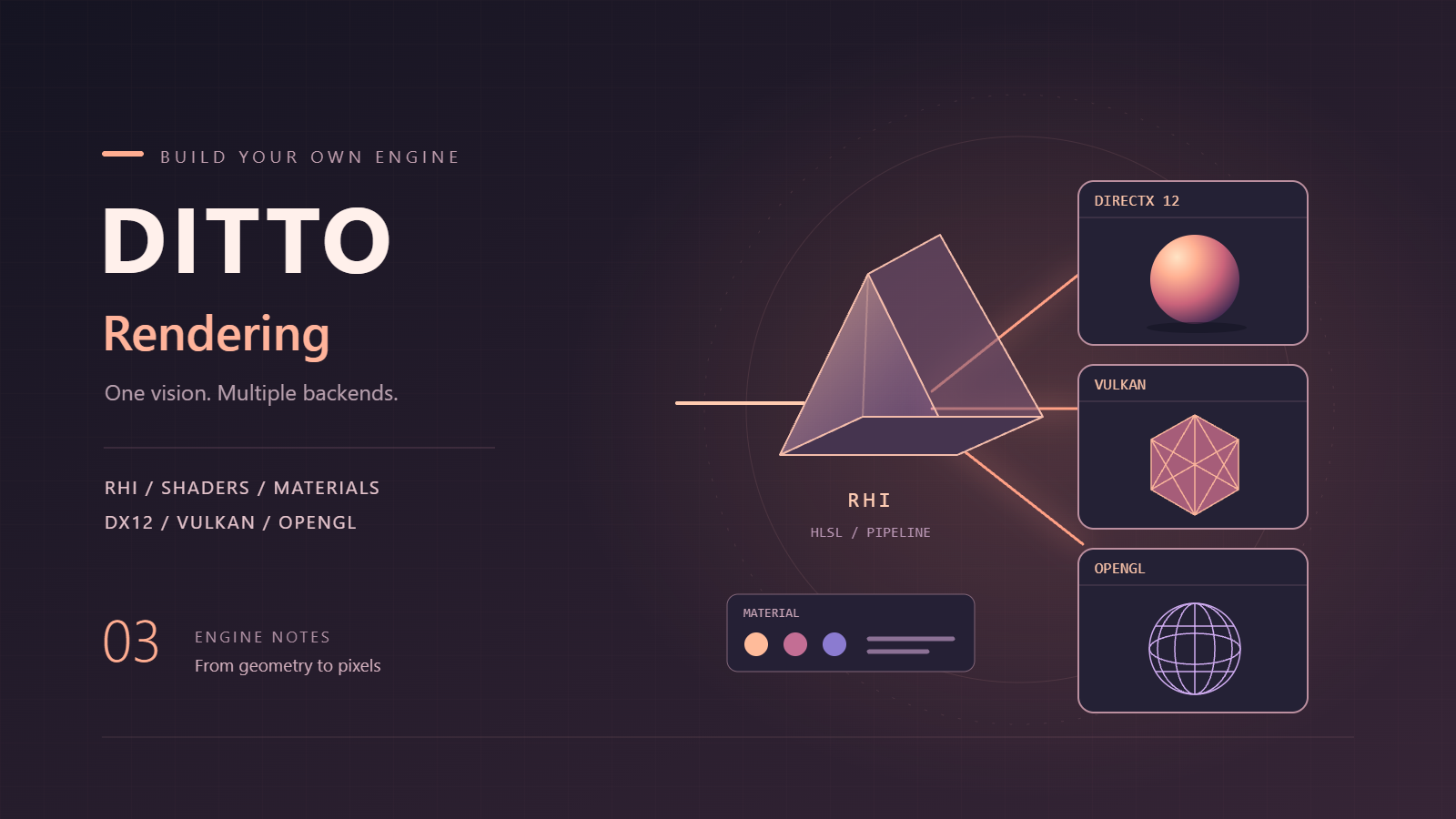
除了游戏逻辑,渲染效果也需要可编程。引擎内置了几个基础Shader(Phong光照、Sprite渲染等),但用户可能想要自定义效果——卡通渲染、描边、溶解等。所以要支持用户编写、加载自定义Shader。

Shader资源管理

Shader文件(.shader)放在Assets/Shaders目录下。引擎启动时扫描这个目录,加载所有Shader:

1
2
3
4
5
6
7
8
9
10
11
12
13
14
15
16
17
18
19
20
21
22
23
24
25
26
27
28
29
30
31
32
void Renderer::LoadShaders()
{
std::string shadersPath = "Assets/Shaders";
if (!fs::exists(shadersPath)) return;

for (const auto& entry : fs::recursive_directory_iterator(shadersPath))
{
if (entry.path().extension() == ".shader")
{
std::string name = entry.path().stem().string();
LoadShader(name, entry.path().string());
}
}
}

void Renderer::LoadShader(const std::string& name, const std::string& path)
{
// 解析Shader文件,提取Vertex和Fragment源码
ShaderSource source = ParseShaderFile(path);

// 编译、链接
GLuint program = CompileShaderProgram(source.vertexSource, source.fragmentSource);
if (program == 0)
{
DITTO_LOG_ERROR_STREAM("[Renderer] Failed to compile shader: " << name);
return;
}

// 缓存
m_shaderCache[name] = program;
DITTO_LOG_INFO_STREAM("[Renderer] Loaded shader: " << name);
}

Shader文件格式

Shader文件参考了Unity的ShaderLab,但底层用的是HLSL/CG(不是GLSL):

1
2
3
4
5
6
7
8
9
10
11
12
13
14
15
16
17
18
19
20
21
22
23
24
25
26
27
28
29
30
31
32
33
34
35
36
37
38
39
40
41
42
43
44
45
46
47
48
49
50
51
52
53
54
55
56
Shader "Ditto/Lit_Toon"
{
Properties
{
_MainTex ("Main Texture", 2D) = "white" {}
_Color ("Color", Color) = (1, 1, 1, 1)
}

SubShader
{
Tags { "RenderType" = "Opaque" "Queue" = "Geometry" }
Pass
{
CGPROGRAM
struct appdata
{
float4 vertex : POSITION;
float3 normal : NORMAL;
float2 uv : TEXCOORD0;
};

struct v2f
{
float4 pos : SV_Position;
float3 worldPos : TEXCOORD0;
float3 normal : TEXCOORD1;
float2 uv : TEXCOORD2;
};

v2f vert(appdata v)
{
v2f o;
o.pos = ObjectToClipPos(v.vertex);
o.worldPos = mul(ObjectToWorld(), v.vertex).xyz;
o.normal = ObjectToWorldNormal(v.normal);
o.uv = v.uv;
return o;
}

fixed4 frag(v2f i) : SV_Target
{
float3 normal = normalize(i.normal);
float3 lightDir = WorldSpaceLightDir(i.worldPos);
float ndotl = max(0.0, dot(normal, lightDir));
float toon = ndotl > 0.5 ? 1.0 : 0.45;

fixed4 albedo = tex2D(_MainTex, i.uv) * _Color;
fixed3 lit = albedo.rgb * LightColor0.rgb * toon;
return fixed4(lit, albedo.a);
}
ENDCG
}
}

Fallback "Ditto/Lit_Toon"
}

注意几点:

  • Shader名是 分类/名字 格式(如 Ditto/Lit_Toon
  • Pass用 CGPROGRAM/ENDCG 包住,写的是标准HLSL/CG
  • Properties 块声明的参数(_MainTex_Color)会作为可调参数显示在Inspector
  • Tags 标记渲染类型和队列
  • Fallback 指定兜底Shader

Shader解析

Properties 块的解析在独立的 Engine/Graphics/Shaders/ShaderAsset.cpp 模块里完成。简单字符串 find 不够用,因为 Properties 块里有嵌套括号(比如Texture默认值 "white" {}),单纯搜 } 会提前截断。所以用 std::regex + 大括号深度追踪:

1
2
3
4
5
6
7
8
9
10
11
12
13
14
15
16
17
18
19
20
21
22
23
24
25
26
27
28
29
30
31
32
33
34
35
static void ParseProperties(const std::string& source, ShaderAsset& asset)
{
// 1. 找到 Properties 块的开始
size_t props = source.find("Properties");
if (props == std::string::npos) return;
size_t open = source.find('{', props);
if (open == std::string::npos) return;

// 2. 追踪大括号深度,找到匹配的 '}'
int depth = 1;
size_t close = open + 1;
for (; close < source.size(); ++close)
{
if (source[close] == '{') ++depth;
else if (source[close] == '}' && --depth == 0) break;
}
if (close >= source.size()) return;

// 3. 提取块内容,用 regex 匹配各种类型
std::string block = source.substr(open + 1, close - open - 1);

// Color 类型: _Color ("Color", Color) = (1, 1, 1, 1)
std::regex colorRe(R"SHADER(([_A-Za-z]\w*)\s*\(\s*"([^"]*)"\s*,\s*Color\s*\)\s*=\s*\(\s*([-+0-9.eE]+)\s*,\s*([-+0-9.eE]+)\s*,\s*([-+0-9.eE]+)\s*,\s*([-+0-9.eE]+)\s*\))SHADER");

// Float 类型: _Speed ("Speed", Float) = 1.0
std::regex floatRe(R"SHADER(([_A-Za-z]\w*)\s*\(\s*"([^"]*)"\s*,\s*Float\s*\)\s*=\s*([-+0-9.eE]+))SHADER");

// Range 类型: _Power ("Power", Range(0, 10)) = 1
std::regex rangeRe(R"SHADER(([_A-Za-z]\w*)\s*\(\s*"([^"]*)"\s*,\s*Range\s*\(\s*([-+0-9.eE]+)\s*,\s*([-+0-9.eE]+)\s*\)\s*\)\s*=\s*([-+0-9.eE]+))SHADER");

// Texture 类型: _MainTex ("Tex", 2D) = "white" {}
std::regex textureRe(R"SHADER(([_A-Za-z]\w*)\s*\(\s*"([^"]*)"\s*,\s*2D\s*\)\s*=\s*"([^"]*)"\s*\{\s*\})SHADER");

// ... 用 std::sregex_token_iterator 遍历每种类型
}

为什么不直接用 string::find("}") 截断?就是因为 Properties 块里有内嵌的 {}(如Texture默认值 "white" {})。这种词法嵌套问题,正确做法就是大括号深度追踪,这也是为什么把解析放在独立的 ShaderAsset 模块里——它足够复杂,不该散落在 Renderer 里。

Pass里的 CGPROGRAM/ENDCG 代码块也是同样套路:从 CGPROGRAM 开始追踪深度,直到匹配的 ENDCG,中间就是完整的顶点+片元着色器代码。

Material材质

Material关联一个Shader,并设置Shader参数的值:

1
2
3
4
5
6
7
8
9
10
11
struct Material
{
std::string shaderName;
std::map<std::string, float> floatParams;
std::map<std::string, glm::vec4> colorParams;
std::map<std::string, std::string> textureParams;

void SetFloat(const std::string& name, float value) { floatParams[name] = value; }
void SetColor(const std::string& name, const glm::vec4& value) { colorParams[name] = value; }
void SetTexture(const std::string& name, const std::string& path) { textureParams[name] = path; }
};

Material文件(.mat)保存为JSON:

1
2
3
4
5
6
7
{
"shader": "Ditto/Lit_Toon",
"parameters": {
"_Color": [1.0, 0.5, 0.3, 1.0],
"_MainTex": "Textures/character_diffuse.png"
}
}

使用Shader

渲染时,根据Material设置Shader参数:

1
2
3
4
5
6
7
8
9
10
11
12
13
14
15
16
17
18
19
20
21
22
23
24
25
26
27
28
29
30
31
32
33
34
35
36
void Renderer::RenderWithMaterial(const Material& mat)
{
GLuint program = GetShader(mat.shaderName);
glUseProgram(program);

// 设置float参数
for (const auto& [name, value] : mat.floatParams)
{
GLint loc = glGetUniformLocation(program, name.c_str());
if (loc != -1) glUniform1f(loc, value);
}

// 设置color参数
for (const auto& [name, value] : mat.colorParams)
{
GLint loc = glGetUniformLocation(program, name.c_str());
if (loc != -1) glUniform4fv(loc, 1, &value[0]);
}

// 设置texture参数
int texUnit = 0;
for (const auto& [name, path] : mat.textureParams)
{
GLint loc = glGetUniformLocation(program, name.c_str());
if (loc != -1)
{
GLuint tex = LoadTexture(path);
glActiveTexture(GL_TEXTURE0 + texUnit);
glBindTexture(GL_TEXTURE_2D, tex);
glUniform1i(loc, texUnit);
texUnit++;
}
}

// 绘制...
}

Shader热重载

和脚本一样,Shader也支持热重载。修改.shader文件后,引擎自动重新编译、加载:

1
2
3
4
5
6
7
8
9
10
11
12
13
void Renderer::CheckShaderReload()
{
for (auto& [name, path] : m_shaderPaths)
{
auto lastWriteTime = fs::last_write_time(path);
if (lastWriteTime > m_shaderModifyTimes[name])
{
DITTO_LOG_INFO_STREAM("[Renderer] Reloading shader: " << name);
LoadShader(name, path);
m_shaderModifyTimes[name] = lastWriteTime;
}
}
}

在Editor的Update循环里定期调用CheckShaderReload,就能实现热重载。

后记

到这里,引擎的脚本系统就比较完善了。C#脚本能访问引擎的各种功能——Transform、Rigidbody、Input、Physics、Audio等,还能通过热重载快速迭代。Shader系统让渲染效果可编程,用户能写自定义光照模型、后处理特效等。

虽然和Unity、UE这些商业引擎比还差得远,但对个人项目来说已经够用了。后续如果继续填坑,大概会是动画系统、粒子系统、导航网格等——不过应该也不是最近的事了,虽然论文通过了,但春招还得继续,到头来还是不得停歇啊。